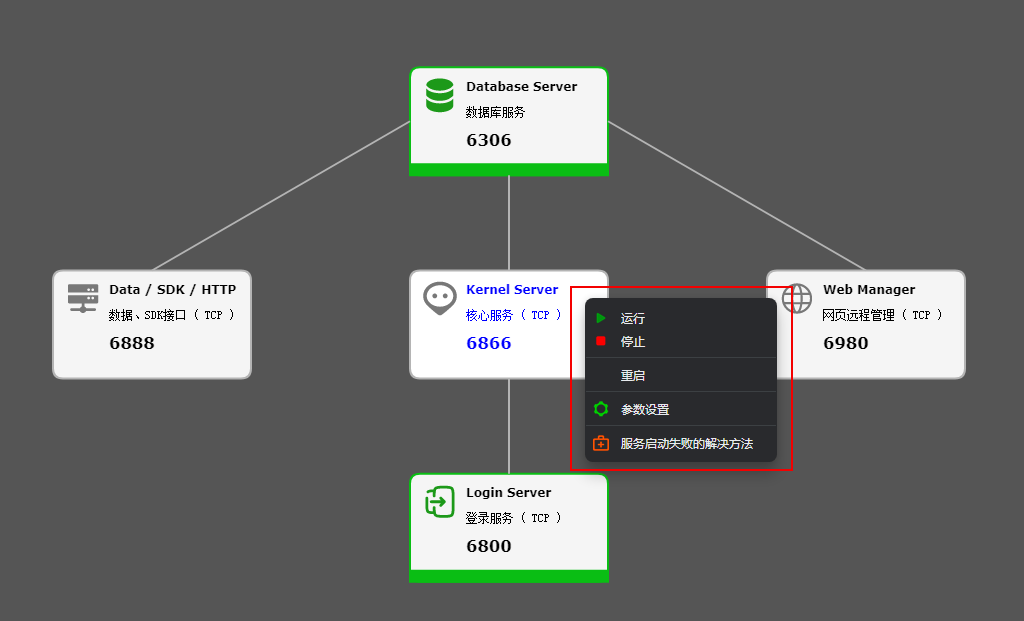
Services that fail to start
1. The database server fails to start
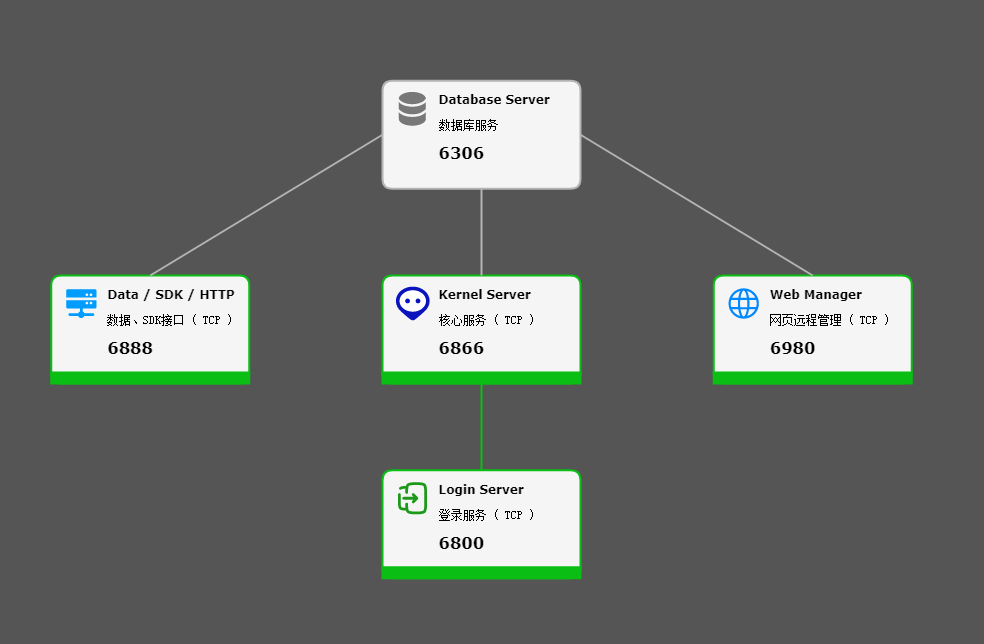
2. Database installation directory
C:\HelpChat Server\imserver\mysql
2. Directory where the data is stored
C:\HelpChat Server\imserver\mysql\data
In the Windows Run dialog, enter the command
services.msc
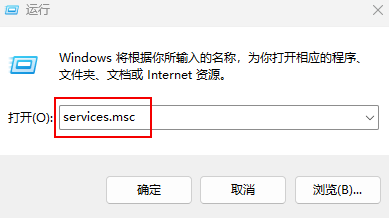
This opens the Windows background services list.
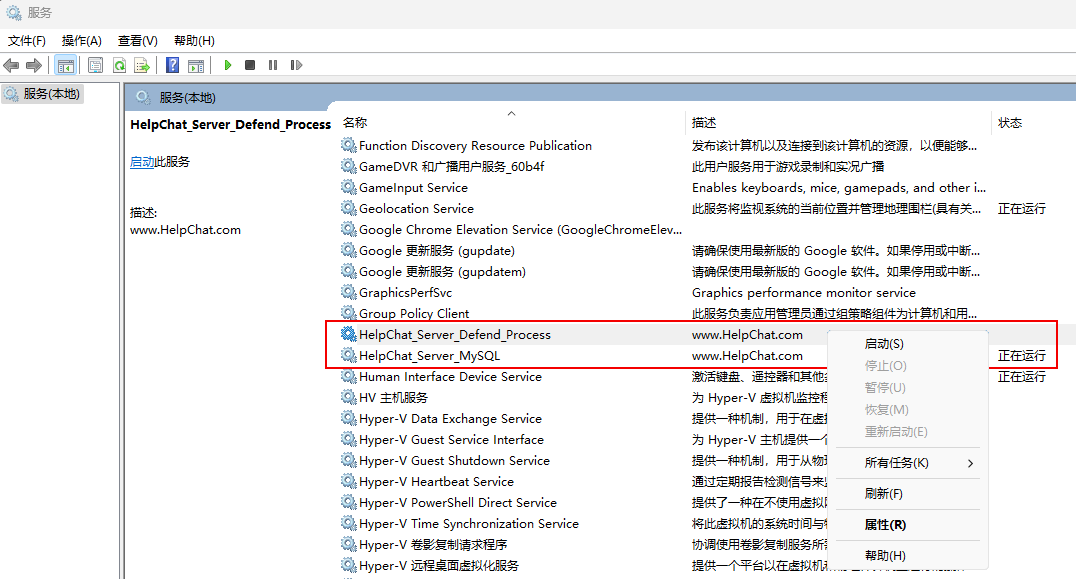
First try to start the service from the right-click menu.
If the database still fails to start, go to the data directory above. The reason for the failure is recorded at the end of the file with the .err extension.
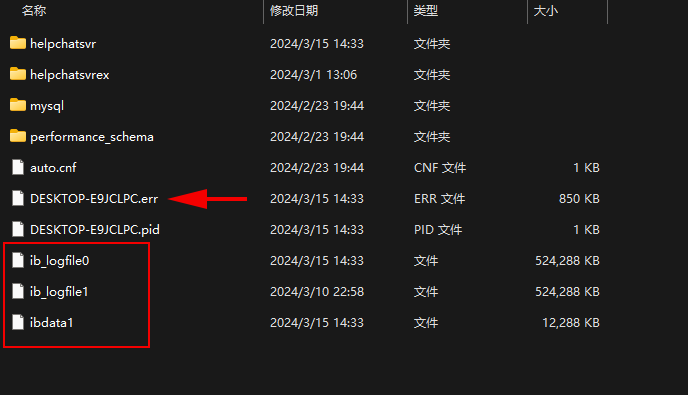
Fix the specific cause of the failure first.
If the database still does not start, move the three files in the red box above to another location (do not delete them yet), then try to start the database service again.
If it starts, you can put the ibdata1 file back and try to start it again.
2. The core service or another background service fails to start
The HelpChat_server_Defend_Process service in the red box below is the guard process for all services other than the MySQL Server database service.
Its executable is the following file in the server installation root directory:
hcprocess.exe
This service rarely fails to start. If it does, try starting it from the right-click menu in the services list above.
After the guard process has started, start each background service from the right-click menu in the following panel, as shown below: