

Web admin console
1. Web admin
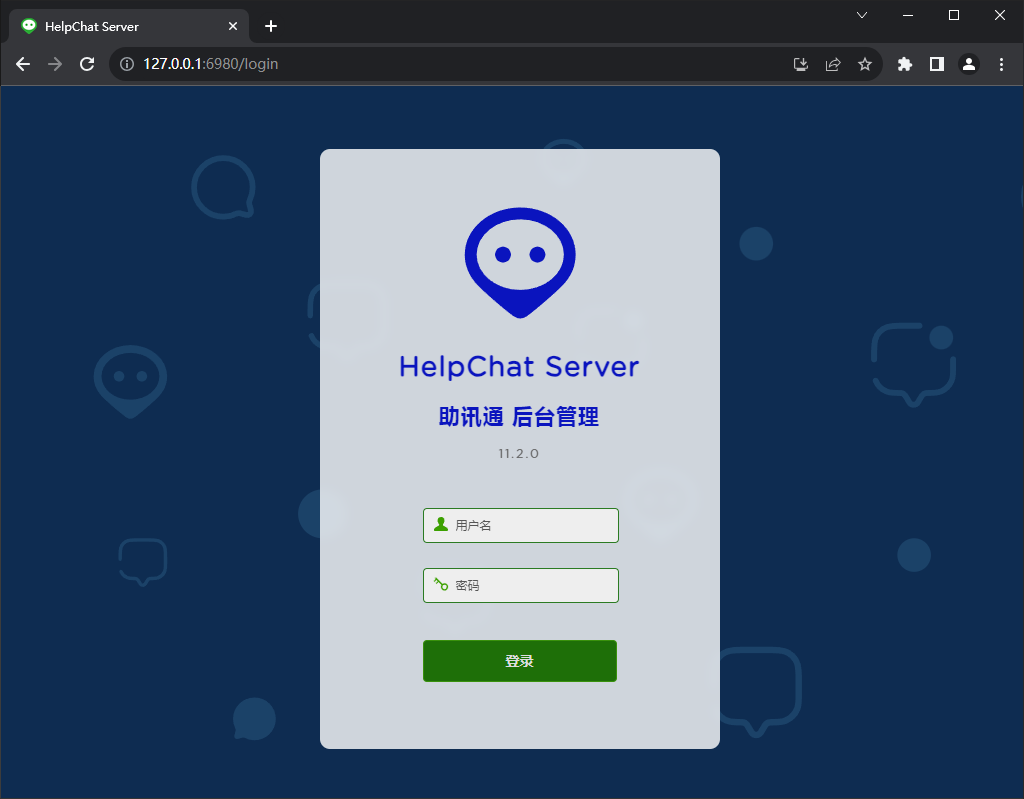
Enter the following address in the browser on the server computer
http://127.0.0.1:6980/
Default account and password
Account: admin
Password: helpchat
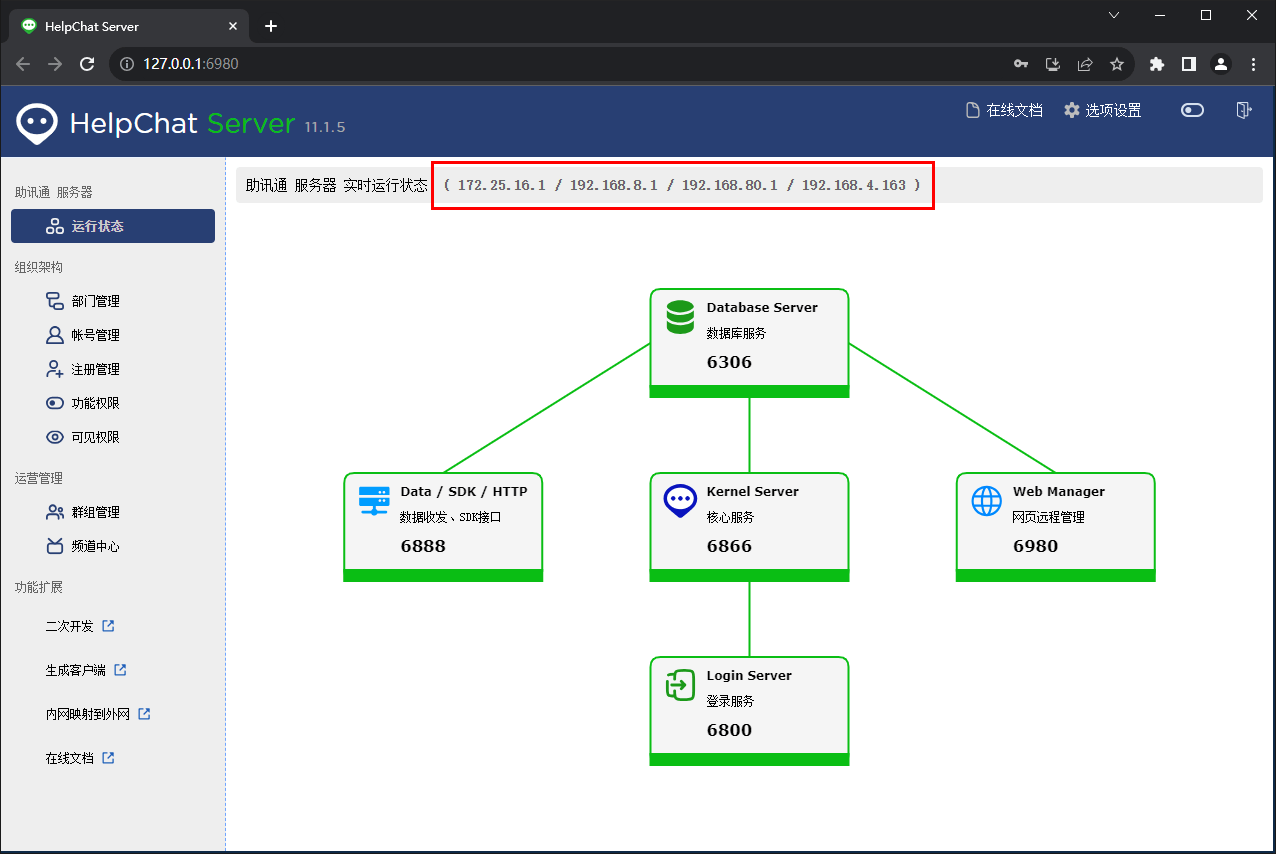
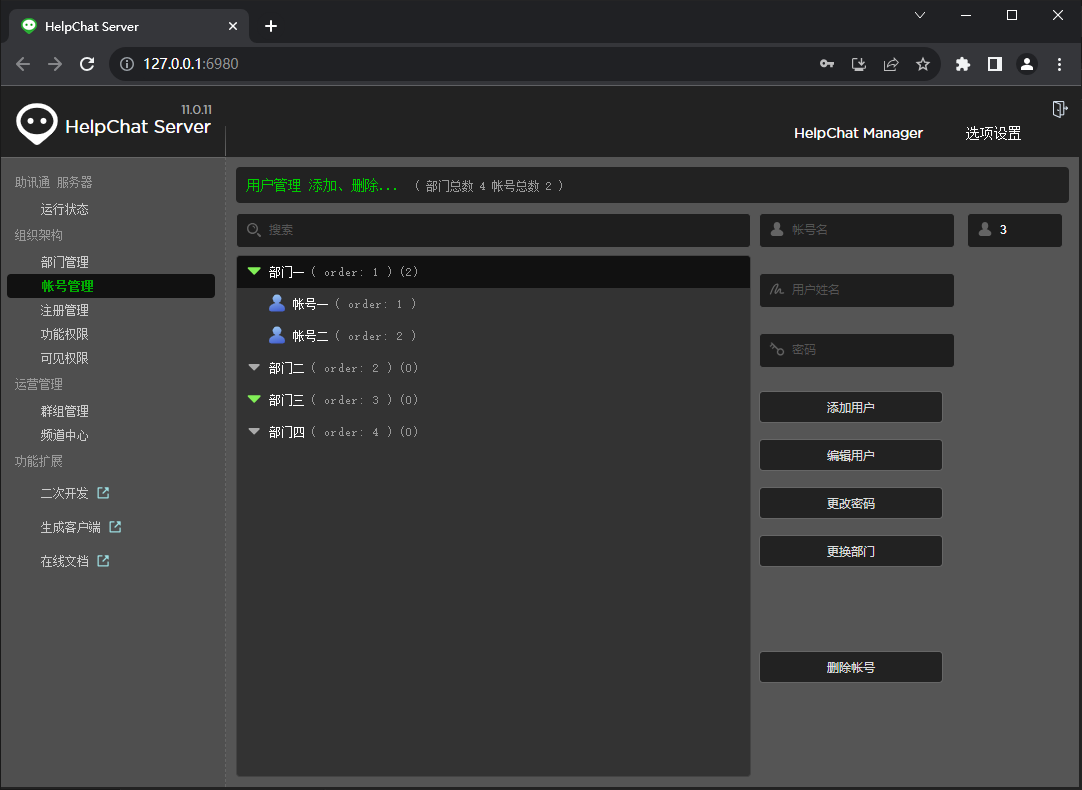
After login, the page looks like this:
2. Change the default account and password
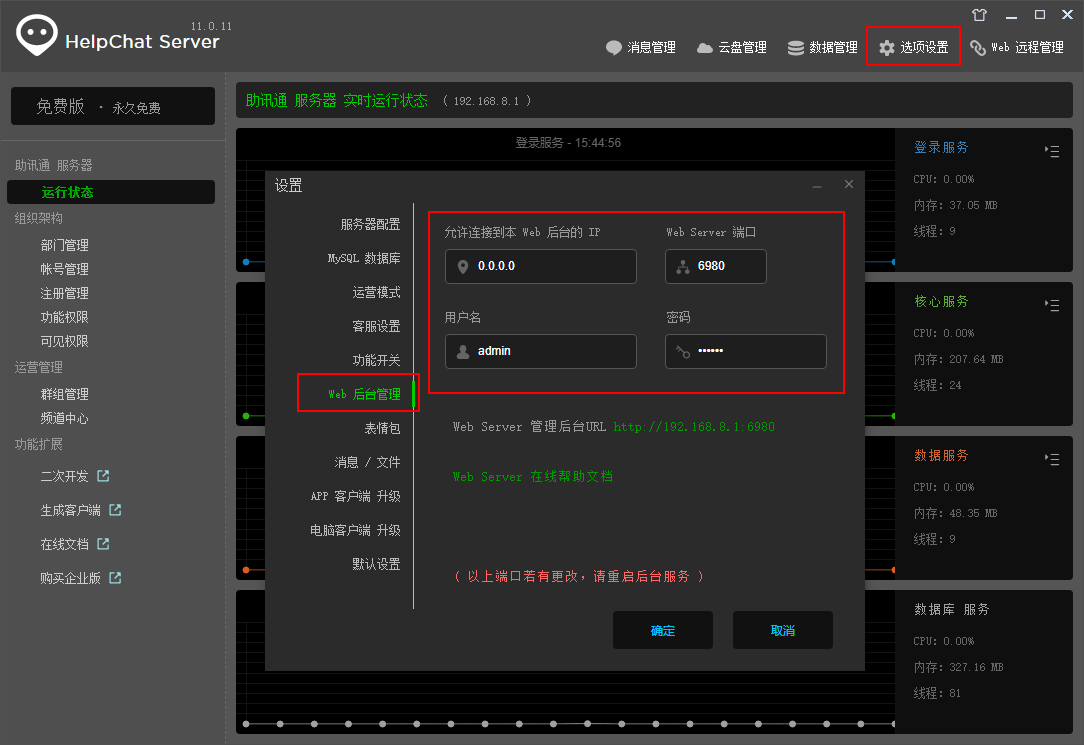
Go back to the desktop admin client, open Options -> Web Admin, and change the account name and password, as shown below:
Important
For security, also set “IPs allowed to connect to this web admin” in the red box above. Only computers with the listed IP addresses can then reach the web admin. This avoids the data leak risk of allowing everyone to connect remotely.