
Start free, pay once to upgrade
Free has no user limit. Paid licenses never expire.
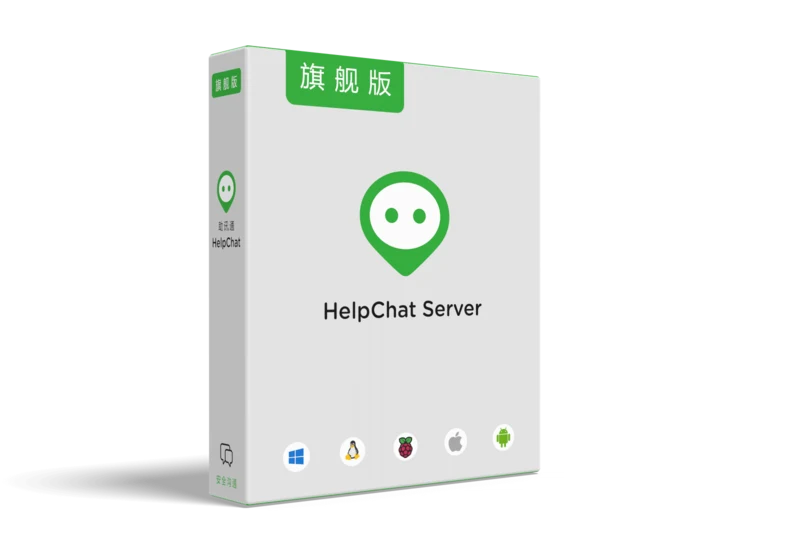
Free
All core features, no user limit, free to use without a time limit.
Freefree, no time limit
- Unlimited users
- Chats, groups and broadcasts
- File transfer
- Read receipts and recall
- Burn after reading, password view
- Clients for every system, including domestic ones
- Web admin panel
- Six databases
- Company cloud drive
- Remote desktop assistance
- Channels and app integration
- HelpPost knowledge base and forum
- Cloud drive file audit
- Message audit with full-text search
- SDK
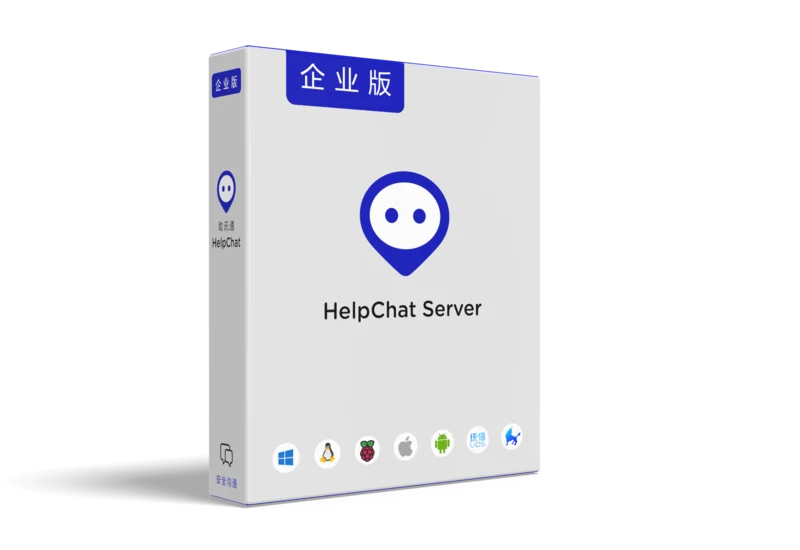
Enterprise
Everything in Free, plus message audit and the SDK.
¥34,999one-time payment
- Unlimited users
- Chats, groups and broadcasts
- File transfer
- Read receipts and recall
- Burn after reading, password view
- Clients for every system, including domestic ones
- Web admin panel
- Six databases
- Company cloud drive
- Remote desktop assistance
- Channels and app integration
- HelpPost knowledge base and forum
- Cloud drive file audit
- Message audit with full-text search
- SDK
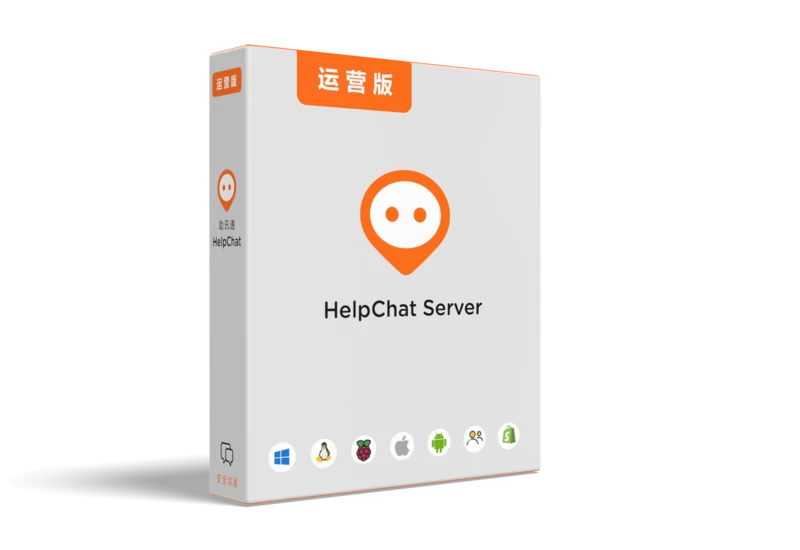
Market
Everything in Enterprise, plus operator mode for running HelpChat as a service for others.
¥54,999one-time payment
- Unlimited users
- Chats, groups and broadcasts
- File transfer
- Read receipts and recall
- Burn after reading, password view
- Clients for every system, including domestic ones
- Web admin panel
- Six databases
- Company cloud drive
- Remote desktop assistance
- Channels and app integration
- HelpPost knowledge base and forum
- Cloud drive file audit
- Message audit with full-text search
- SDK
- Operator mode
03License
How a license is issued
From payment to a license file on your server.
- 01
Pay once
Your serial number appears on your account page and arrives by email.
- 02
Create key.dat
Enter the serial number and your company name on the License page of HelpChat Server.
- 03
Upload, then import
Upload key.dat on your account page, then import the license.dat you get back.
Questions?
Volume purchases, custom deployment or anything else: support@helpchat.com